iPhone Duo
The Quran, like a book.
On iPhone Duo’s inner display, HUSHU opens like a printed mushaf: Arabic on the right, the meaning of the same verses on the left. The Duo below is live. Listen, tap a verse, fold it.
Where you left off
Your 6 feelings
Learn
Tasbihat
Press Listen to hear Surah Al-Mulk recited by Mishary Rashid Alafasy. When a page ends, the book turns it for you; tap a verse and the recitation continues from there.
Every verse,
as it’s recited.
The page turns on its own as the recitation goes on.
- Printed mushaf pages
- The pages match the printed Madinah mushaf. A page doesn’t stop where a surah ends; it runs on just as it does in print.
- Tap a verse
- Tap any verse and the recitation continues from there.
- Word by word
- In the app, the word being recited also moves through the Arabic text in gold.
Fold it or open it —
the recitation
goes on.
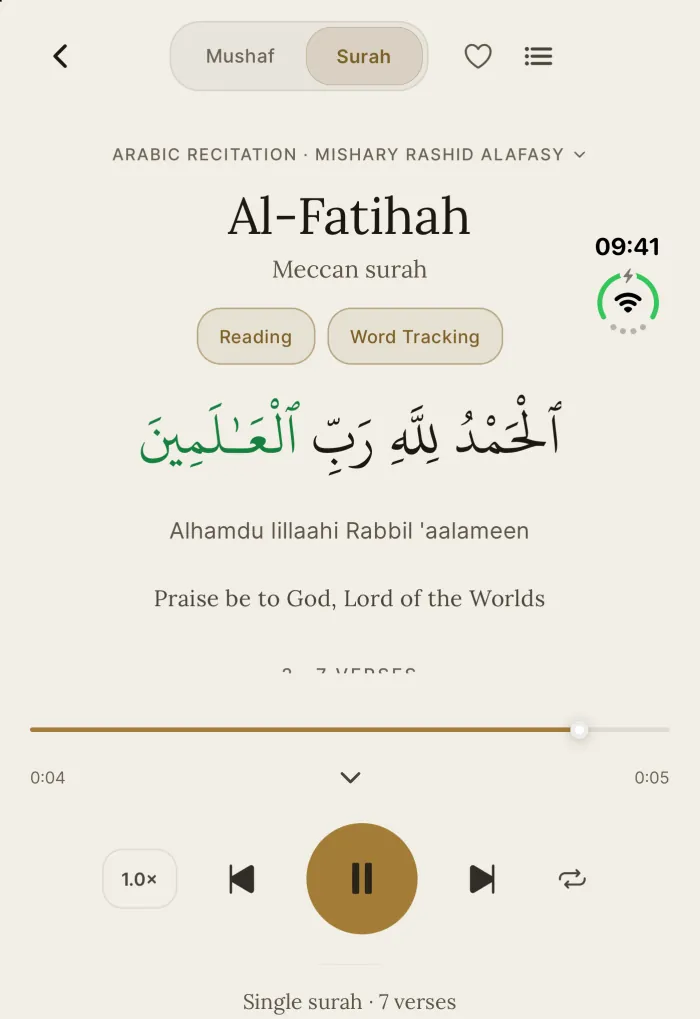
The screen changes; the sound doesn’t stop.
Fold the Duo and the recitation moves to the player on the outer display without stopping. Press “Fold” on the Duo above to try it.
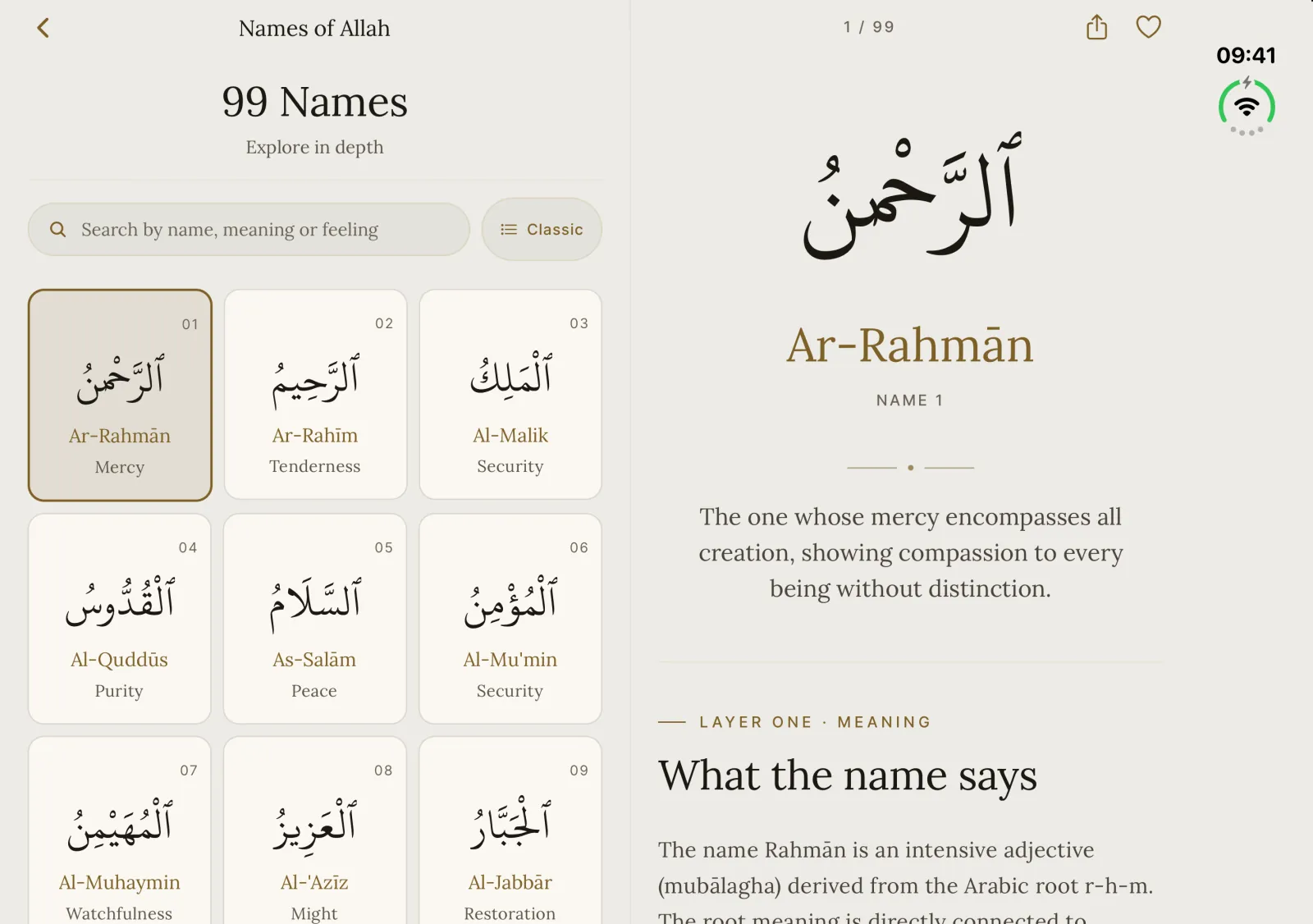
99 Names,
side by side.
The names on one side; meaning, root and verses on the other.
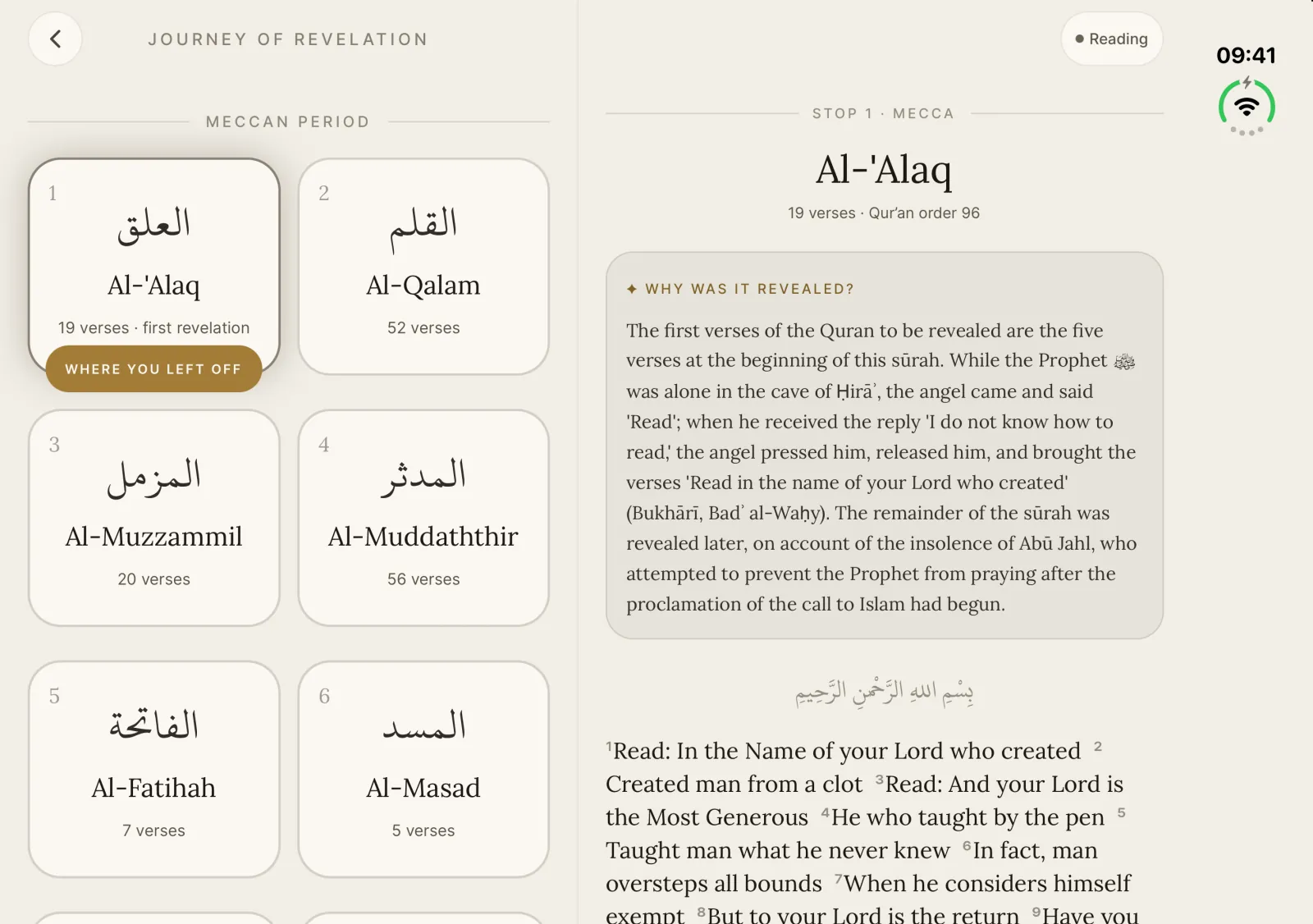
Revelation,
stop by stop.
Surahs in the order they were revealed — and why each came down.
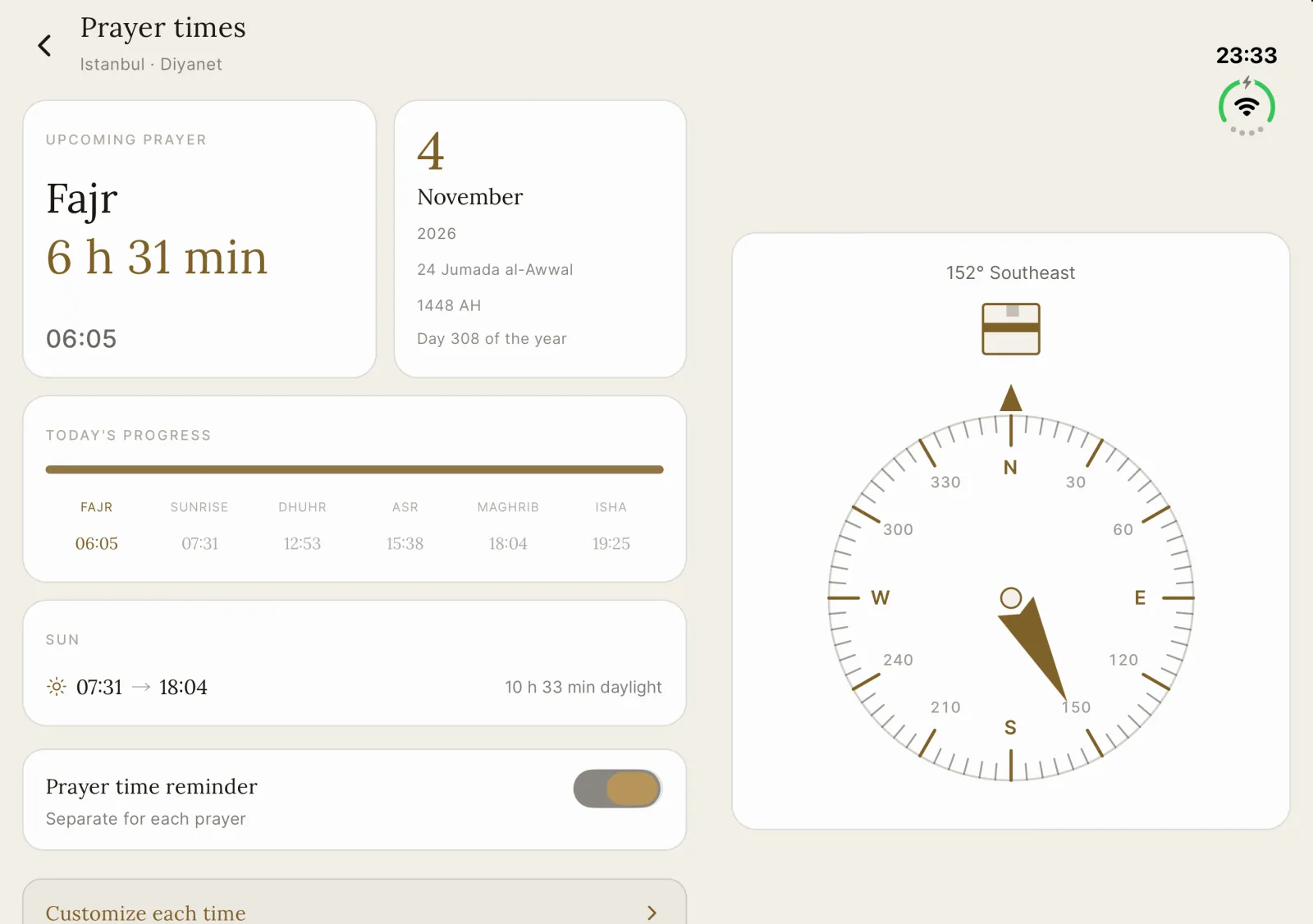
Prayer times
and qibla,
at a glance.
The next prayer on one side, the compass on the other.